CS2 Trade Protection Is a Security Win — and a Trader's Trap
CS2 Trade Protection Is a Security Win — and a Trader's Trap
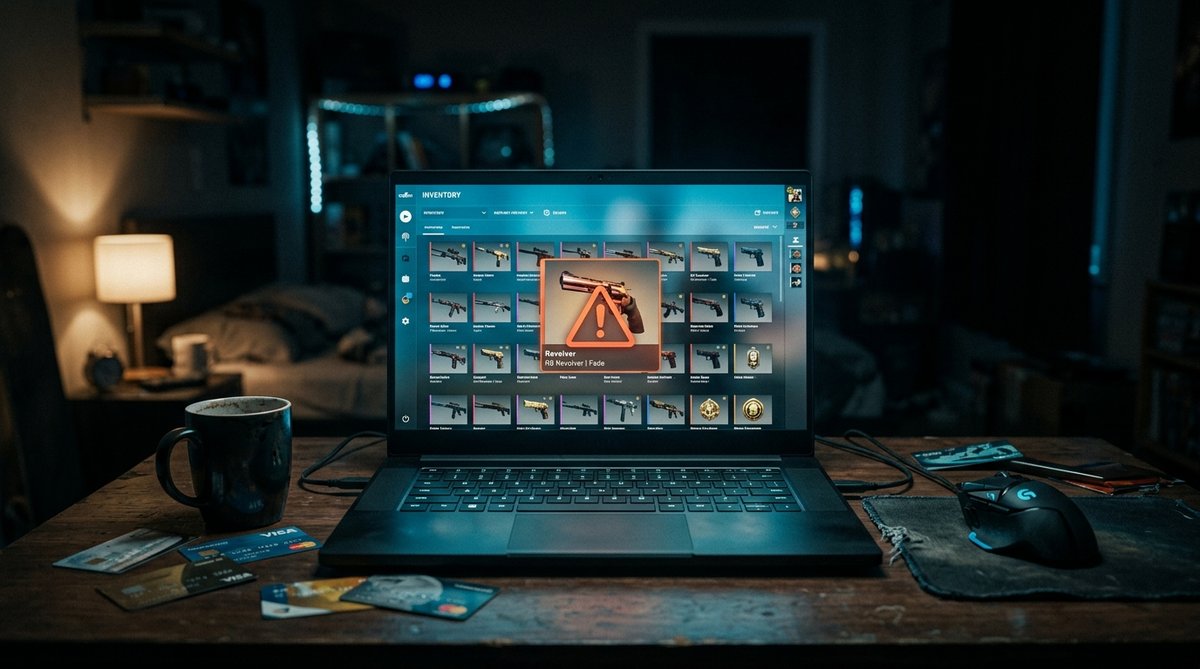
You accept a trade. The knife lands in your inventory instantly, and you can equip it in your very next match. For the next 168 hours, though, that knife is not really yours. It cannot be sold, cannot be traded on, cannot be fed into a trade-up contract, and cannot even be dropped into a Storage Unit. And if the person on the other side of that deal pulls one lever on their Steam Trade History page, the knife leaves your inventory — with no compensation, no appeal, and no penalty for them.
That is Trade Protection, the system Valve shipped alongside Premier Season 3 in mid-July 2025. It is the biggest structural change to CS2 trading since the 7-day Market cooldown arrived in 2018, and most guides still describe it as a straightforward anti-scam feature. It is that. It is also a quiet transfer of risk from hijacked accounts onto anyone who has ever paid cash for a skin.
What Valve Actually Built
The mechanics are short, and Valve's Steam Support FAQ is unusually exact about them. Every CS2 item received in a trade arrives immediately and is flagged Trade Protected for 7 days. During that window it "cannot be consumed, modified, or transferred" — Valve names Storage Units by hand, which catches out more people than you would expect.
What you can do inside the window is play. Equipping and using a freshly traded knife in a match is allowed from minute one. What you cannot do is anything that changes the item's state or moves it:
- Trade it onward to someone else — that is a transfer
- List it on the Steam Community Market or a third-party marketplace
- Open a case or capsule you just traded for — that is consumption
- Feed it into a trade-up contract — the contract consumes its inputs
- Apply a sticker, nametag, patch or charm — that is modification
- Move it into a Storage Unit — blocked, and called out explicitly
A second rule catches people at the trade window itself: protected and unprotected items cannot be mixed in a single trade. Every item in a trade must carry the same protection level. Because CS2 is currently the only game on Steam using Trade Protection, that effectively ends cross-game swaps — you cannot move a CS2 knife against Rust or Dota 2 inventory in one transaction any more.
The half of the story most 2025 guides never updated: CS2 items are no longer subject to trade holds or trade escrow. The old hold of up to 15 days for accounts without a mobile authenticator is gone for CS2. Valve replaced escrow before delivery with a recall window after delivery, and that is the trade you are being offered.
The Bull Case: A Genuine Emergency Brake
Start with what this fixes, because it fixes something real. Before Trade Protection, losing control of your account meant opening a support ticket and hoping. Scammed inventories came back slowly, selectively, or never.
Now the recovery tool is a button on a page you already own. You open Steam, go to Inventory, open Trade History, and the reversible trades are listed. There is no queue and no human in the loop. If your account was emptied by a phishing page or an API scam, one click returns every item to its previous owner.
The design choices behind it are sharper than they look:
- It is all-or-nothing. You cannot cherry-pick the one bad trade. Reversing rolls back every Trade Protected trade from the last 7 days, good deals included.
- The penalty lands on one side only. The account that initiates the reversal eats a 30-day cooldown on trading and the Steam Community Market. Valve states plainly that Steam Support cannot remove it. The innocent trade partner keeps their trading privileges.
- The cost is high enough to deter abuse. A month of market lockout is a serious price to pay for unwinding a bad deal.
For a legitimate hijack victim holding a high-value inventory, that is a good trade. Thirty days of not trading beats a permanent loss. As a security feature, Trade Protection does the job it was built for.
The Bear Case: Ownership With a Seven-Day Return Policy
Now the uncomfortable part. Money does not reverse. Steam trades do.
Walk through the sequence once: a stranger offers you a knife at a price that looks too good. You accept the trade, the item lands in your inventory, and you send payment over PayPal or crypto. Six days later they reverse. The knife goes home to them, and because they initiated the reversal, they carry the 30-day cooldown while you lose the item outright. You now have neither the knife nor the money, and Valve never arbitrated the cash half of the deal in the first place.
Against a CS2 economy where a single item can carry real money, that asymmetry matters. Market data from SteamDB's knife index puts the top Butterfly Knife finish around $1,838, with a median finish near $371. A 30-day cooldown is a cheap toll to pay for an item in that bracket.
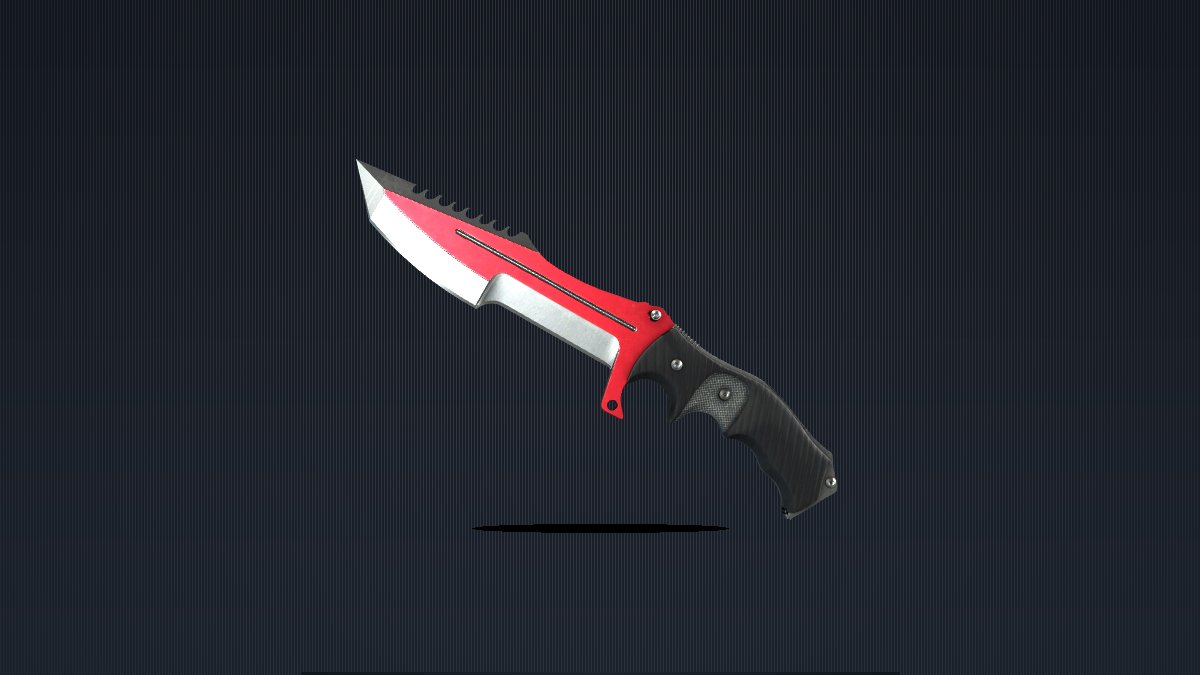
It is worth seeing what sits on the other end of that calculation. A ★ Huntsman Knife | Autotronic (Field-Tested) currently lists around $114 on SkinVS — an item well inside the range a scammer would bother targeting, and well inside the range where the seven-day reversal window is worth exploiting.
You can see the second-order damage in how the professionals adapted. Marketplaces now hold seller payouts for the length of the protection window, because they carry exactly the same risk. That is not a marketplace stalling you, it is a marketplace pricing a seven-day reversal option it cannot see or control. Every cash seller now waits a week for cleared funds.
There is also the compounding effect of the all-or-nothing rule. A trader who makes three or four deals a week and then gets hit by a single bad counterparty must choose between eating the loss or unwinding an entire week of legitimate business. Reversal is not a tool for fixing one problem. It is a tool for resetting seven days of your own history.
My Take: Price the Window, Don't Fight It
Trade Protection is not a mistake — it is a deliberate choice about who absorbs the cost of a hijack, and Valve moved it from the victim to the counterparty. The safety gain is real. So is the exposure, and pretending otherwise is how people get burned.
The countermeasures are already available and all of them run through Steam itself. Use the Steam Community Market or a marketplace that holds funds through the window, so the seller never receives irreversible cash inside a reversible trade. If you must sell privately, settle after the seven days, or deal only with people you can hold accountable afterward. Treat a suspiciously cheap private offer as a reversal waiting to happen, not a bargain.
And check the shield. Before you commit real value to a trade, look at what landed in your inventory and look at the calendar. SkinVS's marketplace keeps prices and float data attached to every listing, which makes it far easier to see what an item is actually worth than a DM offer ever will — but the calendar is the part nobody shows you.
Finally, understand the difference between the timers, because they are not interchangeable. A Market, Armory or in-store purchase carries a 7-day retrade lock. Trade Protection adds a 7-day reversible window on traded items. The reversal itself triggers a 30-day trading and Market cooldown. A password reset costs 5 days (30 if the account was inactive for over two months), a newly enabled Steam Guard costs 15 days, and signing in from an unrecognised device costs 7 days.
The seven days after you receive a high-value CS2 item are the only part of the trade that is not final. Own that fact before you spend against it — then go and enjoy the knife, because the equipping part works from minute one.