CS2 Trade-Up Contracts: How to Turn 10 Cheap Skins Into Something Worth Real Money

CS2 Trade-Up Contracts: How to Turn 10 Cheap Skins Into Something Worth Real Money
Ten skins. One contract. A single skin one rarity tier higher. That is the mechanical promise of the CS2 trade-up contract — but anyone who has clicked that button knows the gap between promise and profit is where most players lose their shirts. In 2026, with knife and glove trade-ups now live and a normalized float formula that rewards precise math, trade-up contracts are no longer a casino button. They are a spreadsheet exercise that separates casual gamblers from traders who actually make money.
This guide walks through the full workflow — from understanding rarity tiers through calculating output floats to finding setups where the expected value is genuinely positive. No guessing. No "feel." Just the math. Let's start with the foundation.
Step 1: Understand the Rarity Ladder
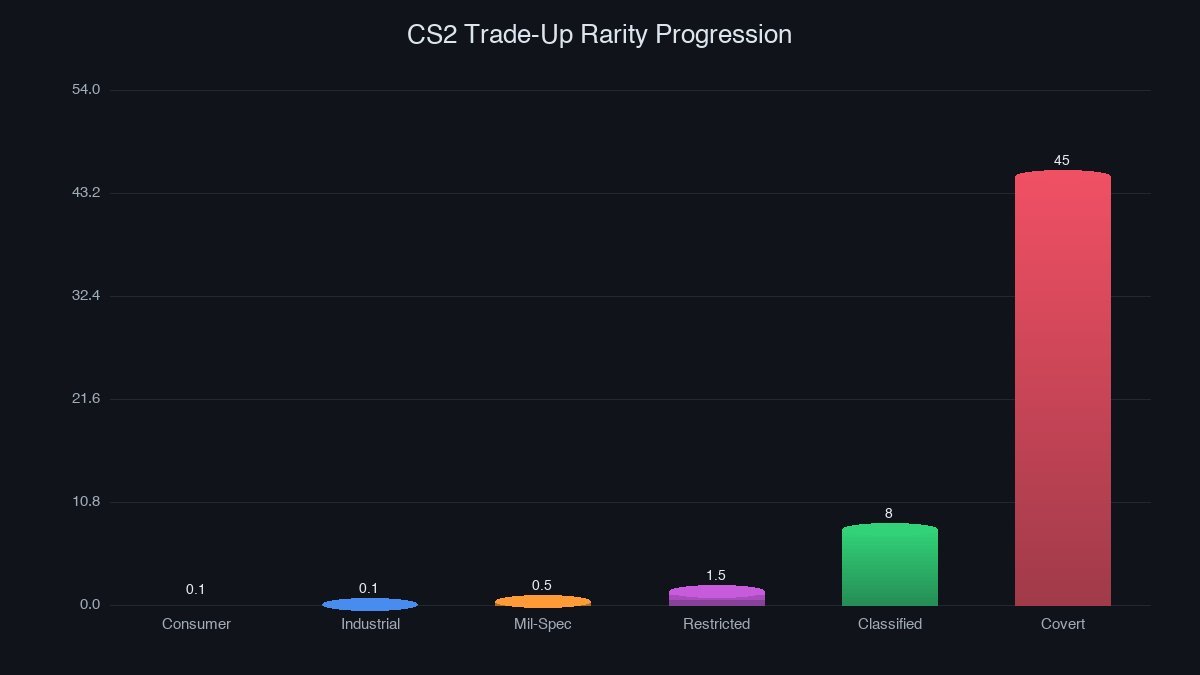
Every CS2 skin belongs to one of seven rarity tiers. Trade-up contracts move you exactly one tier up — never two, never sideways. The ladder looks like this:
- Consumer Grade (white) — cannot be used as trade-up inputs
- Industrial Grade (light blue) — the cheapest viable input tier
- Mil-Spec (blue) — the most common trade-up starting point
- Restricted (purple) — where profit potential starts to appear
- Classified (pink) — high risk, high reward territory
- Covert (red) — the top of the standard ladder; needs only 5 inputs for the next step
- Extraordinary (gold) — knives and gloves, achievable only via Covert trade-ups
The critical rule: all 10 input skins must be the same rarity. Mix a Mil-Spec with a Restricted, and the contract button stays grayed out. StatTrak items follow the same rule — you cannot blend StatTrak and non-StatTrak skins in one contract. If all 10 inputs are StatTrak, the output will be StatTrak too.
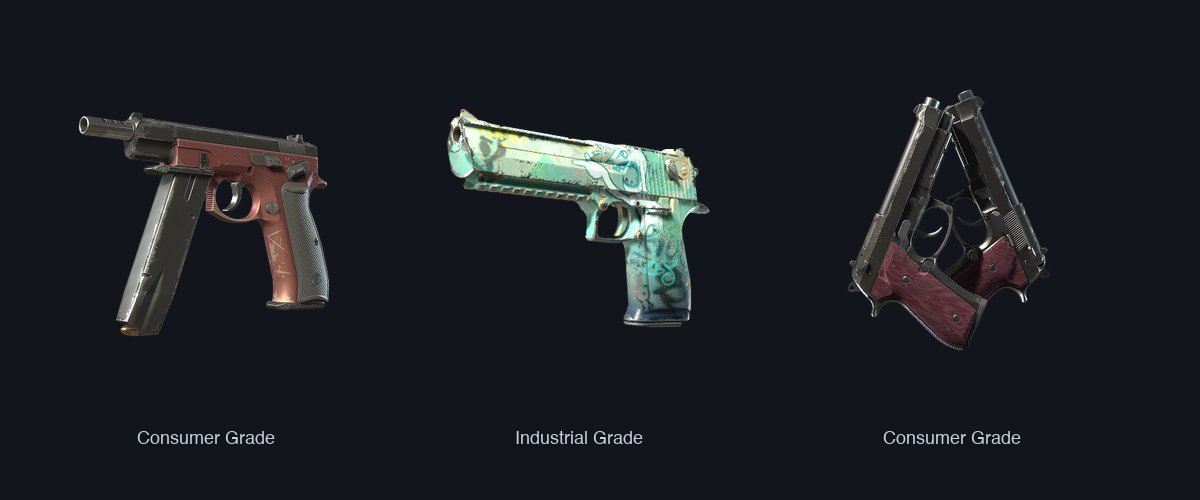
Consumer Grade items are ineligible as inputs, and Souvenir skins, Agents, and Graffiti are completely excluded from the trade-up system. If you are holding a Souvenir P250 | Sand Dune, do not expect it to contribute to anything.
Step 2: Learn the Float Formula (It Is Not Random)
This is where the money is made or lost. The output float is not a coin flip — it follows a strict two-step calculation introduced in the October 2024 Retakes Update. Before that update, float calculation was simpler and easier to exploit. Post-2024, Valve's formula requires real attention to detail.
Step One — Normalize each input:
Each input skin's actual float is mapped to a 0–1 scale based on that skin's own possible float range: Normalized Float = (Actual Float − Min Float) ÷ (Max Float − Min Float). A Factory New skin near its minimum float produces a normalized value close to 0. A Battle-Scarred skin at the top of its range approaches 1.
Step Two — Map the average to the output:
Once all 10 normalized floats are averaged, that single number is applied to the output skin's float range: Output Float = Output Min Float + (Average Normalized Float × (Output Max Float − Output Min Float)).
In practice, this means lower input floats produce lower output floats. If all 10 inputs are Factory New with sub-0.01 floats, the output will almost certainly land in Factory New territory — and that can mean a 2× to 10× price difference versus a Field-Tested copy of the same skin.
Step 3: Control Your Collection Odds
The output skin is pulled from the next-tier pool of the collections represented by your input skins. If all 10 inputs come from the same collection — say, the Kilowatt Case — the output is guaranteed to come from that collection. Mix collections, and the probability splits proportionally.
A real example: 7 inputs from the Revolution Case and 3 from the Kilowatt Case. Revolution Case outcomes get a 70% probability; Kilowatt Case outcomes get 30%. Within each collection, all eligible next-tier skins split the probability equally.
This is the strategic heart of trade-up contracts. Stacking 10 inputs from a single collection that has a valuable next-tier skin — and few competitors at that tier — concentrates your odds on the one outcome you actually want. Spreading inputs across five different collections dilutes your probability into nearly useless territory.
Step 4: Use a Calculator Before You Click
Nobody should execute a trade-up contract without running the numbers through a calculator first. Tools like CSFloat's trade-up analyzer, TradeUpSpy, and the SteamAnalyst calculator pull live market prices and compute expected value (EV) — the weighted average of all possible outcomes based on their probabilities and current market prices.
A trade-up is mathematically profitable when EV exceeds your total input cost. Example: if 10 Mil-Spec inputs cost $5.00 total, and the EV of all possible Restricted outputs is $6.20, your expected profit is $1.20 — a 24% margin. But remember, EV is an average over many repetitions. Any single contract can still produce a loss.
Float-aware calculators also predict your output wear level. If the average normalized float of your inputs is 0.05 and the target skin's float range is 0.00–0.80, the predicted output float is 0.04 — solidly Factory New. Most tools display this as a visual wear bar alongside the dollar values.
Step 5: Avoid the Five Most Common Mistakes
Mixing StatTrak and non-StatTrak inputs. The game simply will not let you submit the contract, but new players waste time collecting 10 skins only to discover they grabbed 9 regular and 1 StatTrak.
Ignoring float values entirely. Buying the cheapest Field-Tested inputs guarantees a Field-Tested or worse output, killing any Factory New premium. Spending an extra $0.08 per input for low-float copies can add $20 to the output value.
Not checking the collection composition. A collection with 5 possible Restricted outputs dilutes your odds significantly compared to one with only 2. Always count how many next-tier skins exist in each collection before committing inputs.
Forgetting about trade hold and marketplace fees. Even a positive-EV trade-up loses money if the output skin sits on a 7-day trade hold while the market dips, or if the 15% Steam Market fee eats your margin. Factor in a realistic sell price, not the listing price.
Treating trade-ups like case openings. Cases are pure RNG. Trade-ups are probability math. If you approach them the same way — clicking without calculation — you will lose money at roughly the same rate.
What Changed in 2025: Knife and Glove Trade-Ups
The October 2025 CS2 update introduced the most significant trade-up expansion since the system launched: Covert skins can now be traded up to Extraordinary (gold) tier items — knives and gloves. The contract requires only 5 Covert inputs instead of 10, but the output pool includes every knife and glove across all containers, making the odds extremely diluted.
A 5-Covert contract typically costs $150–$400 in input skins, and the output knife can range from a $70 Navaja Knife to a $2,000 Karambit. The EV of these contracts is almost always negative — they exist for the thrill, not the math. Serious traders stick to Industrial-to-Mil-Spec and Mil-Spec-to-Restricted contracts where the numbers actually work.
Putting It Together: A Real Workflow
Here is what a disciplined trade-up session looks like in practice. Open a calculator. Set the input tier to Mil-Spec. Filter by a single collection — the Kilowatt Case has a tight Restricted pool. Find 10 Factory New Mil-Spec inputs from that collection, each with floats below 0.02, at the lowest available price. The calculator shows an EV 18% above your cost and a predicted Factory New output. Buy the inputs. Execute the contract. List the result.
That is the entire game. Collect data. Run the numbers. Execute when EV is positive. Move on when it is not. The market has thousands of players pressing the button on instinct. Be the one who presses it on purpose.
Trade-up contracts are the closest thing CS2 has to a skill-based economy mechanic. The tools are free, the formulas are public, and the edge belongs to whoever does the homework. Start small — a $3 Industrial-to-Mil-Spec contract — and build the spreadsheet habit before scaling up. The skins you trade up today could be the knife you are holding next week.
If you are looking for fresh input skins to start your next contract, check out the Phantom Cache case — it contains a solid spread of Mil-Spec and Restricted skins that work well in trade-up stacks. Or browse the full skinvs marketplace for low-float bargains across every collection.