CS2 July 20 Update: How Valve's Visual Overhaul Changes Combat Clarity
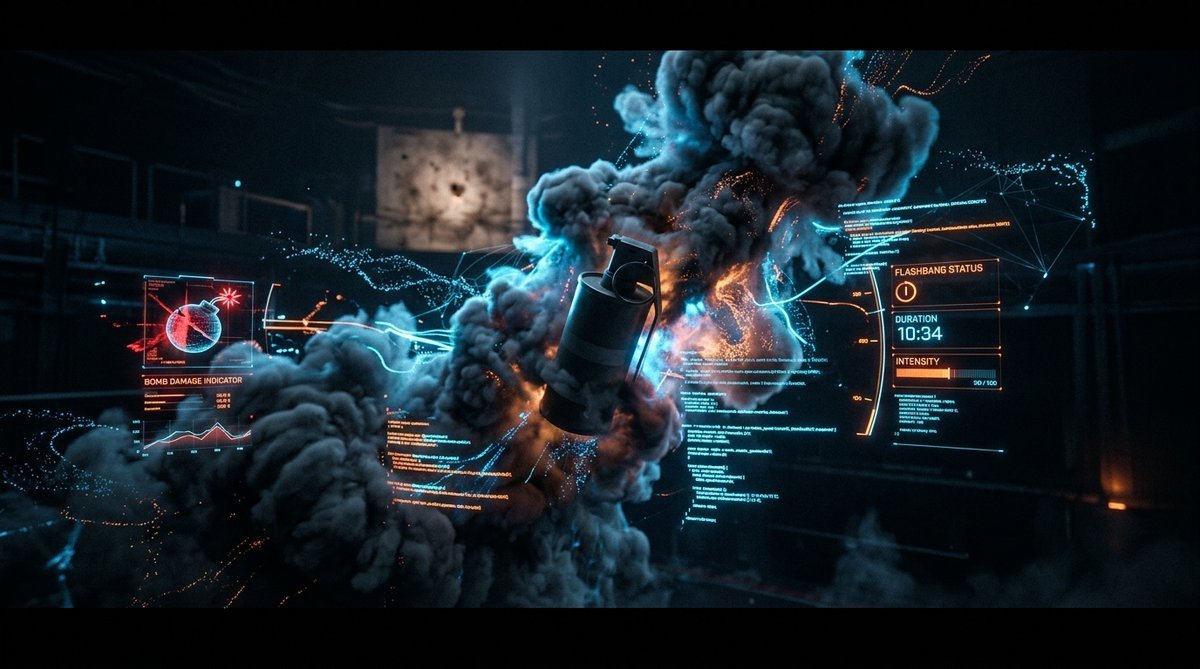
CS2 July 20 Update: How Valve's Visual Overhaul Changes Combat Clarity
Smoke grenades in CS2 have always been a double-edged sword. They block vision — but until now, exactly how they block vision has been unpredictable. A smoke on Dust2's A-long doors might look completely different from the same smoke on Mirage. Flashbangs could blind you inconsistently depending on what was on your screen. And that tiny bomb-damage bar? Easy to miss in a clutch moment.
Valve's July 20, 2026 update quietly fixes all three. No new maps. No new skins. Just a deep shader-level overhaul that makes every visual effect in CS2 more predictable — and more fair.
Before vs. After: The Bomb Damage HUD
Picture this: you're defusing on B-site with three seconds left. You glance at the HUD to check if you'll survive the blast. The old bar was static — a thin strip that barely changed as time ticked down. If you were new to CS2, you probably didn't even know what it meant.
The new system is dramatically clearer. The ExpectedBombHealthBar now animates into view with a smooth scale transition. It starts hidden, fades in when active, and uses white as a base color — no more squinting at a dim gray bar. The main segment highlights with color shifts instead of brightness jumps, which means you can read it in your peripheral vision without losing focus on the defuse.
In plain English: when you're defusing under pressure, the game now shows you whether you'll survive — rather than making you calculate it. That's a direct competitive advantage for players who check their HUD.
Smoke Renders: More Predictable, Less Frustrating
The smoke shader changes are the update's biggest technical lift. Valve reworked both smoke_volume and smoke_volume_depth shaders with new constant buffers and branching logic. What does that actually mean at your desk?
Before: Smoke density calculations were simpler but inconsistent. Looking through a smoke from different angles could give you slightly different visibility — and experienced players knew exactly which angles to abuse.
After: The engine now checks multiple data sources when deciding how dense smoke should be. There's a new fallback system that reads stored values for both the main shader and the depth pass. Distance checks for path-based smoke influences have been refined. The result: smoke behaves more consistently regardless of your position, angle, or what's happening around it.
Valve also added SPIRV_CROSS_BRANCH control-flow hints to the depth shader. These tell your GPU driver how to optimize smoke rendering — which means smoother framerates when multiple smokes overlap on screen. For players on mid-range hardware, that's a real performance win.
Flashbangs Now Blind Everyone the Same Way
Flashbang inconsistency has been a quiet complaint in CS2's competitive scene for months. The csgo_flashbang_overlay shader previously calculated alpha values per RGB channel — meaning the same flash could look slightly different depending on your video settings or what was on screen when it popped.
The fix is elegantly simple: both the flashbang screenshot alpha and the main flash alpha are now explicitly clamped between 0 and 1 before processing. The per-channel branching has been collapsed into scalar calculations. Everyone sees the same flash intensity.
This matters more than it sounds. In pro play, a flashbang that blinds one player for 3.2 seconds and another for 2.9 seconds — based on screen content — is a competitive integrity issue. Valve just closed that gap.
Bomb Blast Effects: Timing You Can Trust
The bomb blast shader got a timing fix that changes how the post-explosion screen effects behave. Previously, the time handling subtracted the blast time from another timer, creating a disconnect between when the bomb actually exploded and when your screen showed the effects.
Now the world-space blast time is used directly. The color blend is separated from the alpha fade, and the fade uses a smoothstep function based on the actual blast time. The result: the screen tint and distortion you see after an explosion are precisely synchronized with what's happening in the game world.
Workshop & Community Maps: Small Fixes, Big Impact
The update also touches Workshop integration — a clear signal that Valve is thinking about the creator ecosystem. The "Visit Workshop" button in the Play menu is now visible whenever the Workshop tab is active. Previously, it was conditionally hidden based on region settings. Now every player can jump directly to Workshop content.
Three community addon maps — de_fachwerk, de_debris, and de_boulder — had their asset manifests refreshed. This isn't just housekeeping; it means these maps will load faster and display assets correctly on current hardware. Valve also added proper error handling for Workshop map lookups, with numeric error codes that actually tell you what went wrong.
What This Update Doesn't Change
It's worth noting what's not in this update. No weapon balance changes. No economy adjustments. No new cases or skins. This is purely about visual clarity and consistency — the kind of update that doesn't make headlines but directly affects how the game feels to play.
For the competitive community, that's arguably better than a flashy content drop. When you die because you couldn't see through a smoke — or survived because the bomb-damage bar finally made sense — that's this update at work.
The shader changes are live for both DX11 and Vulkan rendering paths, so every player benefits regardless of their graphics API choice. If you're serious about improving your gameplay, spend 10 minutes in a practice server with the new smokes and flashbangs. The difference is subtle but real — and in CS2, subtle advantages win rounds.
For map makers and Workshop creators, the improved error handling and refreshed URLs are a welcome quality-of-life boost. The move from older steamcommunity subdomain patterns to current Steam URL formats means fewer broken links when browsing community content. And the new Workshop_Error string with numeric error codes finally gives creators actionable feedback when map lookups fail — instead of the silent failures that plagued earlier versions.
Ready to test your skills with the updated visuals? The Phantom Cache case is a great place to hunt for skins while you're at it.